Playing with Friends: Multiplayer Guide
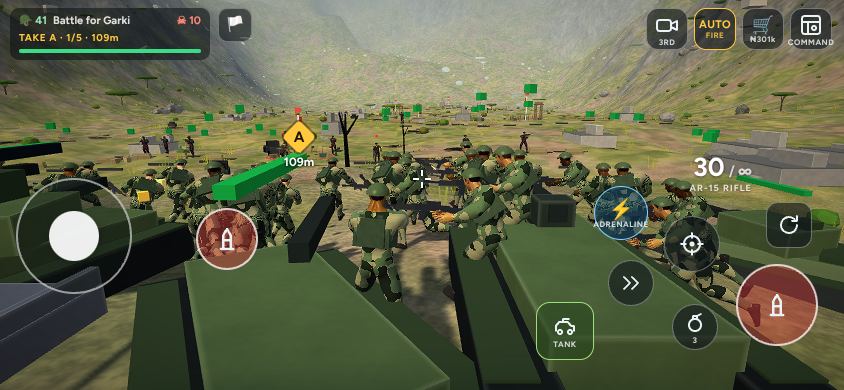
Abuja World: Frontline is just as good with friends. You can bring a friend into your own campaign battle, either fighting beside you as part of your army or leading the enemy to stop you.
Invite a friend
- On the main menu, tap Multiplayer.
- Choose Fight beside me or Fight against me and tap Invite.
- Your next battle starts and your phone's share menu opens with a link. Send it by WhatsApp, Telegram, SMS or any app.
- When your friend opens the link, they join the same battlefield on the side you chose. No download or account is needed.
You can also invite from inside a battle: open the Command View and tap ALLY or RIVAL.
How shared battles work
- The player who started the battle hosts it: their campaign, their army and their district.
- Allies fight alongside the host's squads and see the same front line, objectives, hostages and commander.
- Rivals lead the defenders. Every enemy soldier they kill is one the host has to replace.
- Everyone sees the same weather and time of day.
- Voice chat with your side can be switched on in Settings.
Tips for playing together
- Pick different operators: a Doc and a Tiger, or a Hawk and a Rhino, cover each other's weaknesses.
- One player takes the sniper rifle and covers while the other leads the squads forward.
- Split the side missions: one frees the hostages while the other holds the line.
- Against a rival, watch the counterattack warnings: a human enemy will try your flanks.